
vendor-unknown
Make a Home Automation Fan over Wi-Fi controlled app using NodeMCU V2 with 5v 1-Channel Relay Module - KT584
Make a Home Automation Fan over Wi-Fi controlled app using NodeMCU V2 with 5v 1-Channel Relay Module - KT584
SKU:KT584
126 in stock
Couldn't load pickup availability
- For Bulk Order Click Here
- Need Customer Support?
- Free Delivery Above 999/-
Note: In case you receive a damaged or faulty product, please return it in the original box with all foam and packaging. Returns will not be accepted if further damage occurs due to improper packing.
If you order a product that is currently in Preorder, and the price of that item increases in the future, you will be required to pay the difference in price.
For refund/return/replacement, call us at +91 95995 94520 or email us at support@rees52.com
Delivery Time
Delivery Time
- Delivery time with the Express Shipping option is 2-3 working days, and with the Standard Shipping option is 5-6 working days. It varies based on location, reliant on courier services.
- Delivery time if the order item is on Preorder Status is 15-20 working days.
COD (Cash on Delivery)
COD (Cash on Delivery)
- For COD you have to pay extra charges of Rs 350/- before the shipment. (We will share the company QR Code, UPI ID or Account details for the same)
The REES52 Promise
The REES52 Promise
We want you to build, not worry. Here is exactly what happens if something goes wrong with your order.
Dead on arrival or defective? We replace it.
If your item is dead on arrival or has a manufacturing defect, tell us within 7 days of delivery. Email support@rees52.com with your order number and a short video or a couple of photos showing the problem. Our team will get back to you within 24 hours and arrange a free pickup from your doorstep - you never pay return shipping for a defective item. Once we verify the issue, your replacement ships out right away. If the item is out of stock, you get a full refund instead.
Refunds, with real timelines.
- Approved refunds go back to your original payment method within 6-7 working days.
- Missing item in your package? Tell us within 7 days with photos of what arrived and the parcel label. Once confirmed, the refund for the missing item reaches you in 2-3 working days - or we ship the missing piece free, your choice.
- Every refund comes with a reference number by email or WhatsApp, so you can track it with your bank instead of chasing us.
Wrong item or not as described?
Email us your order number and a photo of what you received. We arrange the return pickup, and ship the correct item as soon as the return is on its way. Prefer your money back instead? That is fine too - full refund, same 6-7 working day timeline.
About lead times on some products.
A few items on rees52.com are sourced from our overseas partner warehouses and are not sitting on our shelf. Those products show a lead time of about 20-25 working days on the product page, before you pay. If you order one, we keep you posted as it moves. Changed your mind while waiting? You can cancel any time before dispatch and get a full refund within 6-7 working days. No cancellation fee, no questions.
Talk to a human.
Email support@rees52.com or call/WhatsApp +91 95995 94520, Monday to Saturday, 10:30 AM to 7:00 PM. Real people, order number in hand, actual answers.
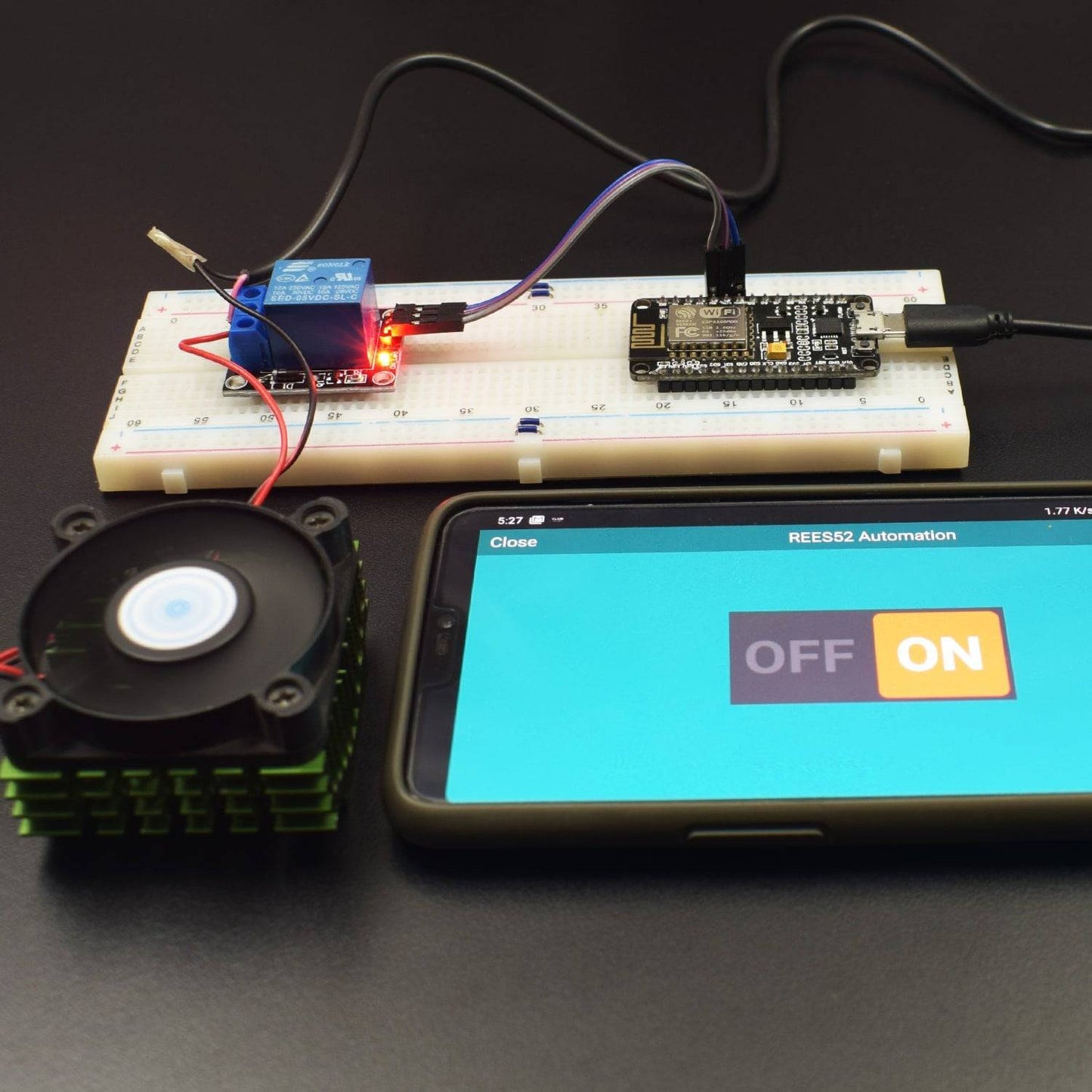
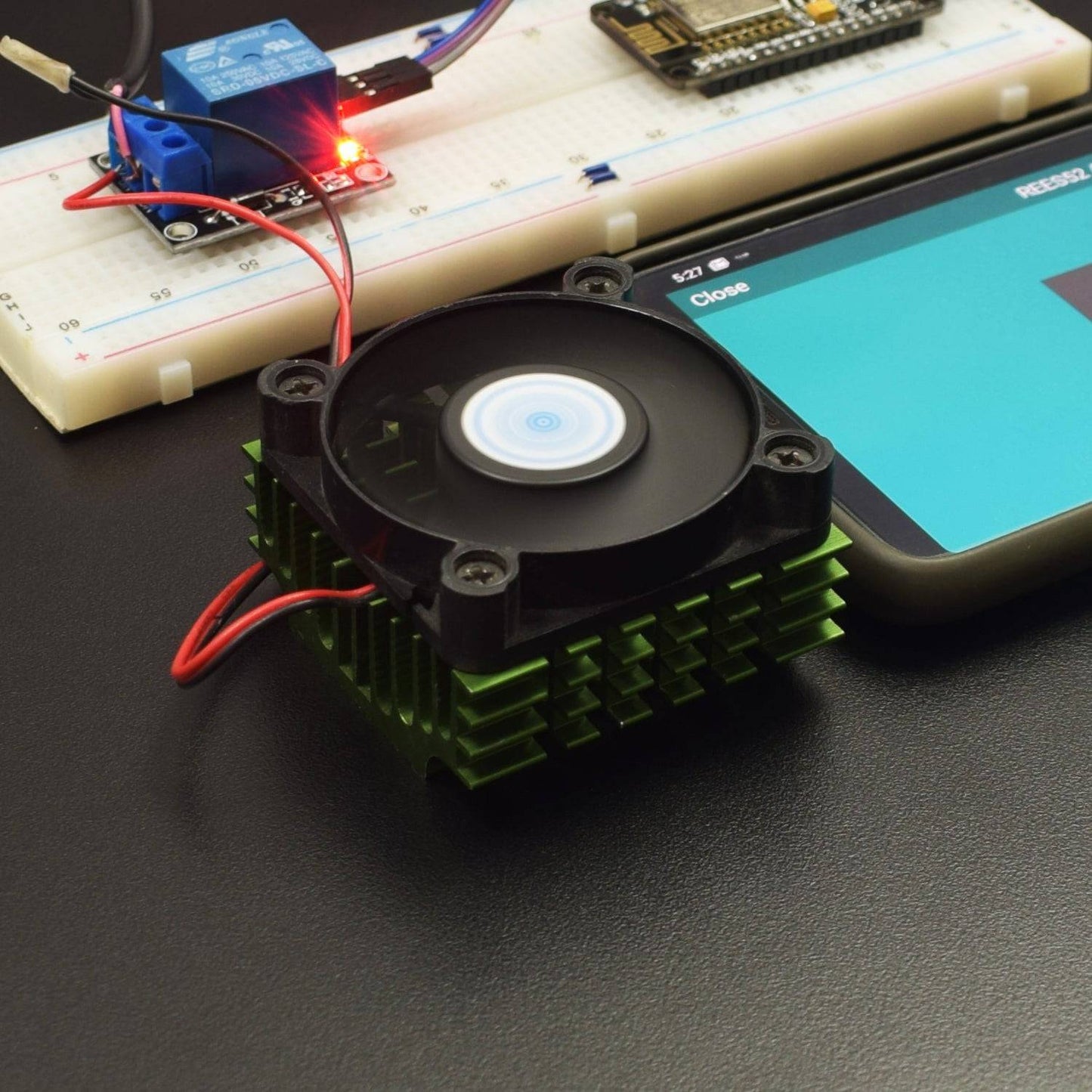
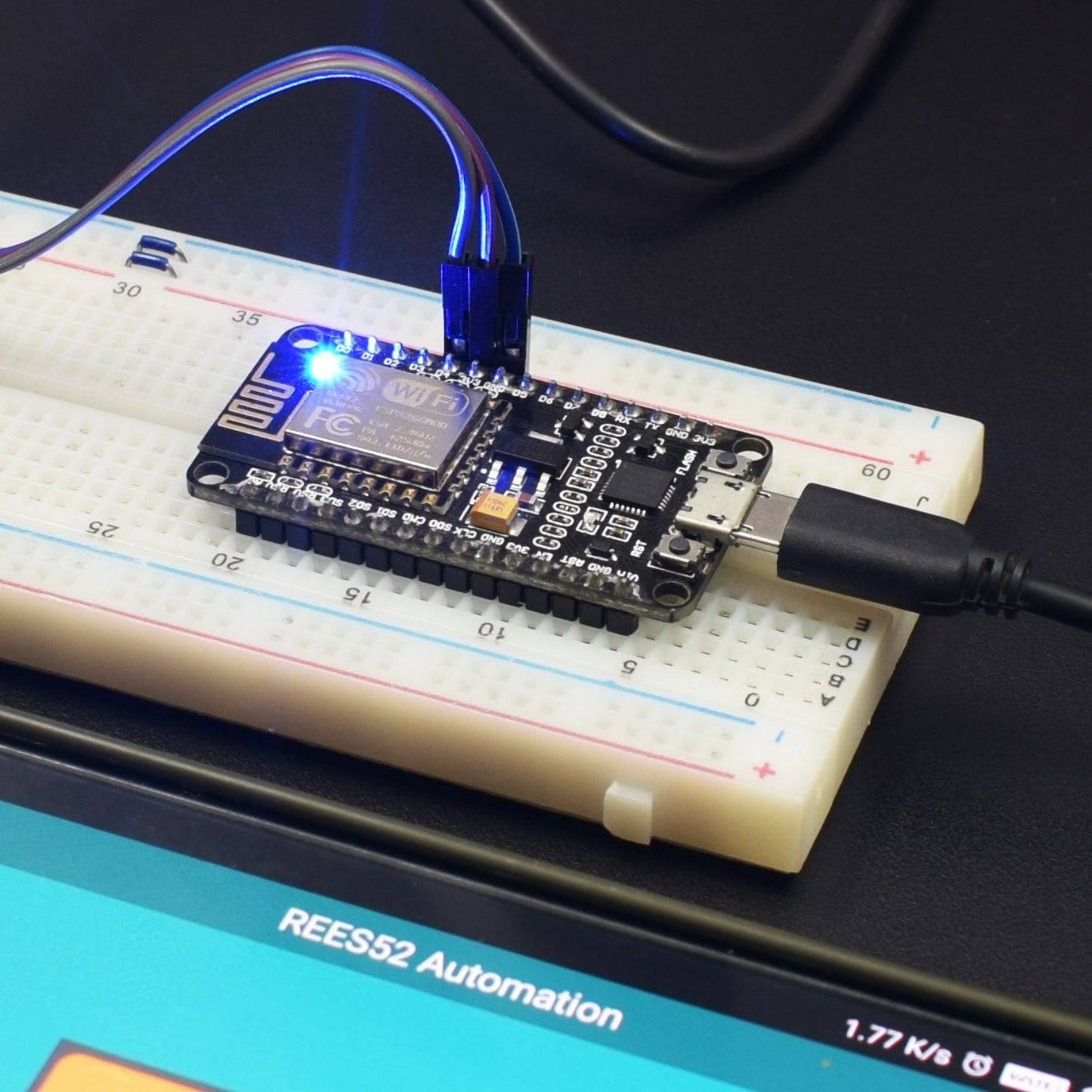
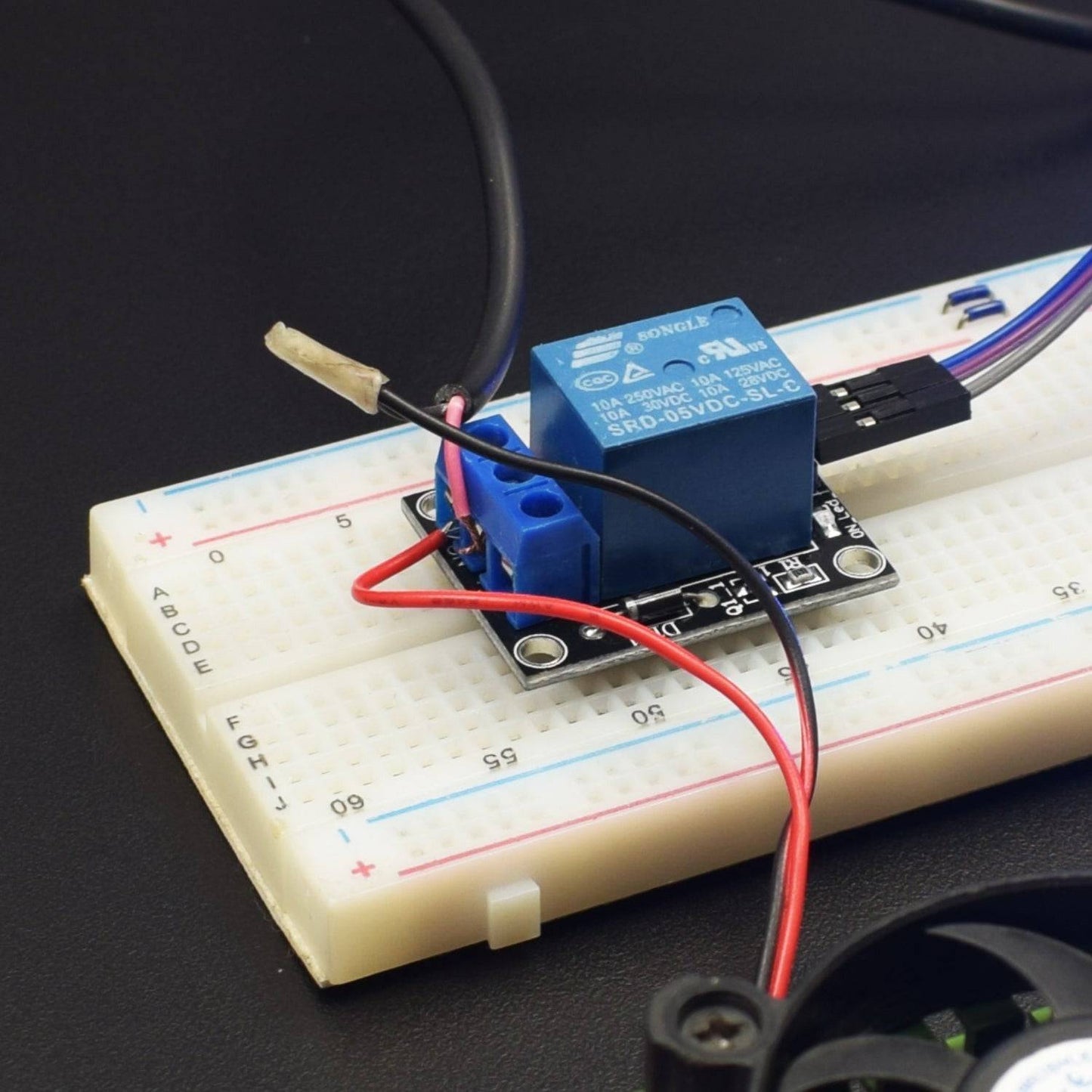
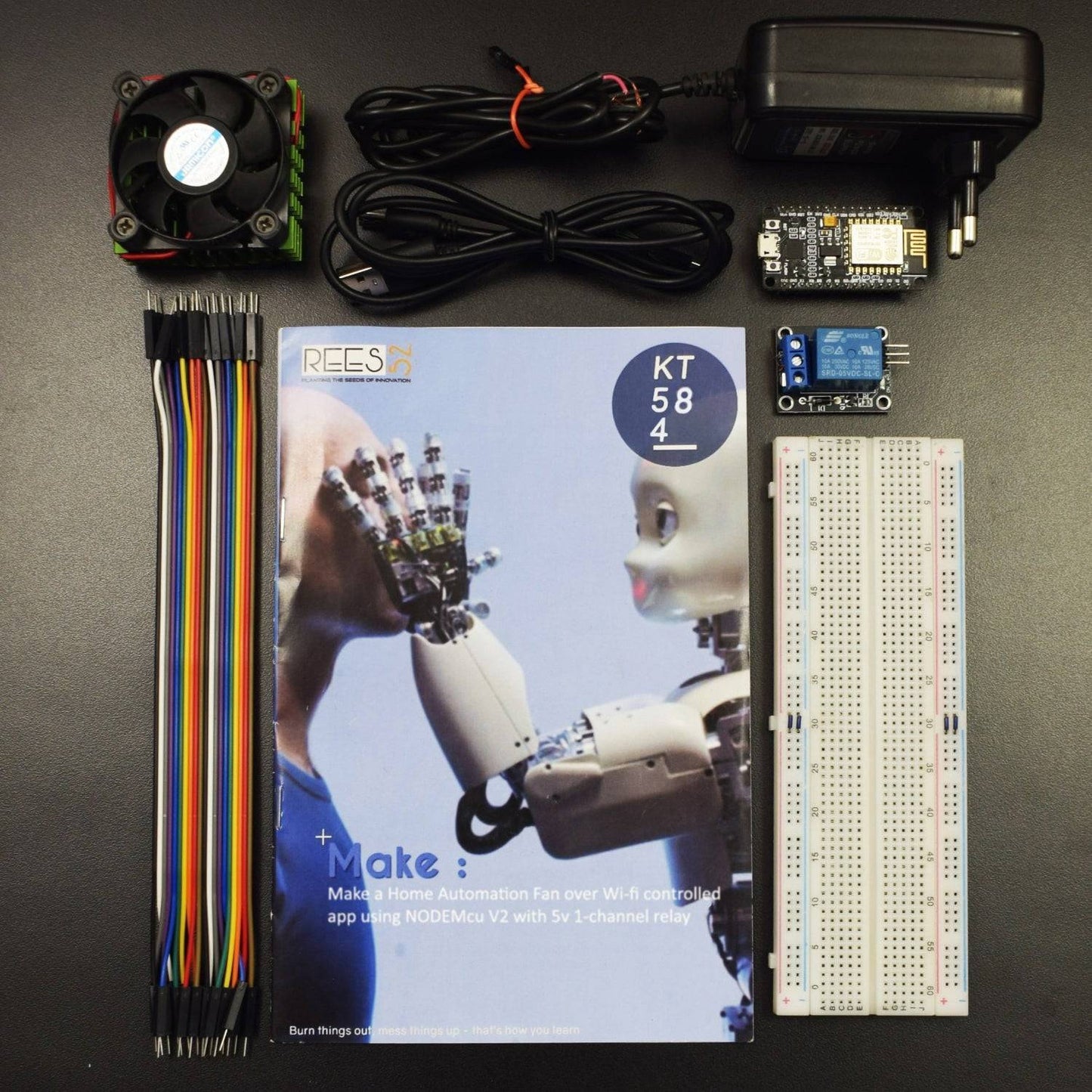
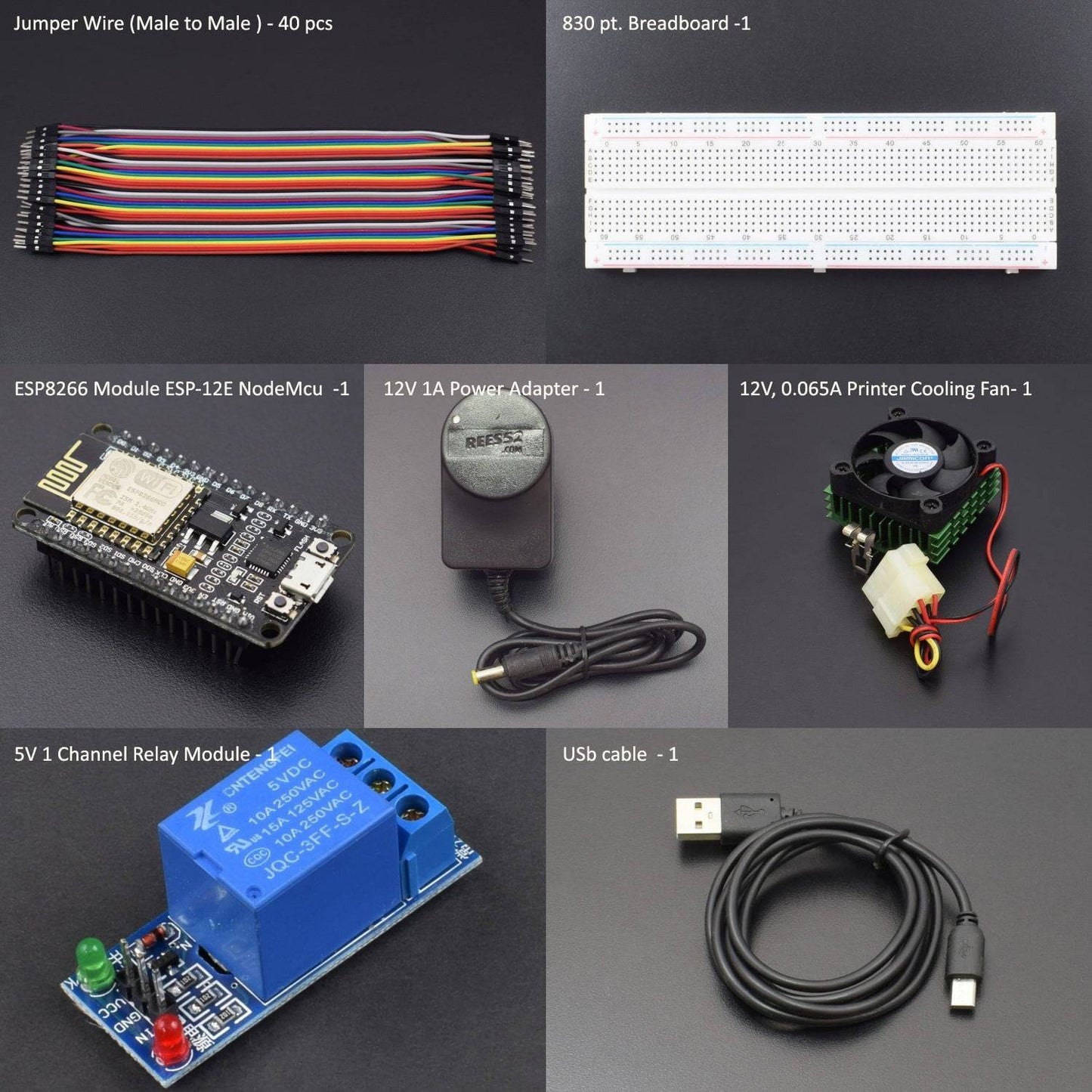
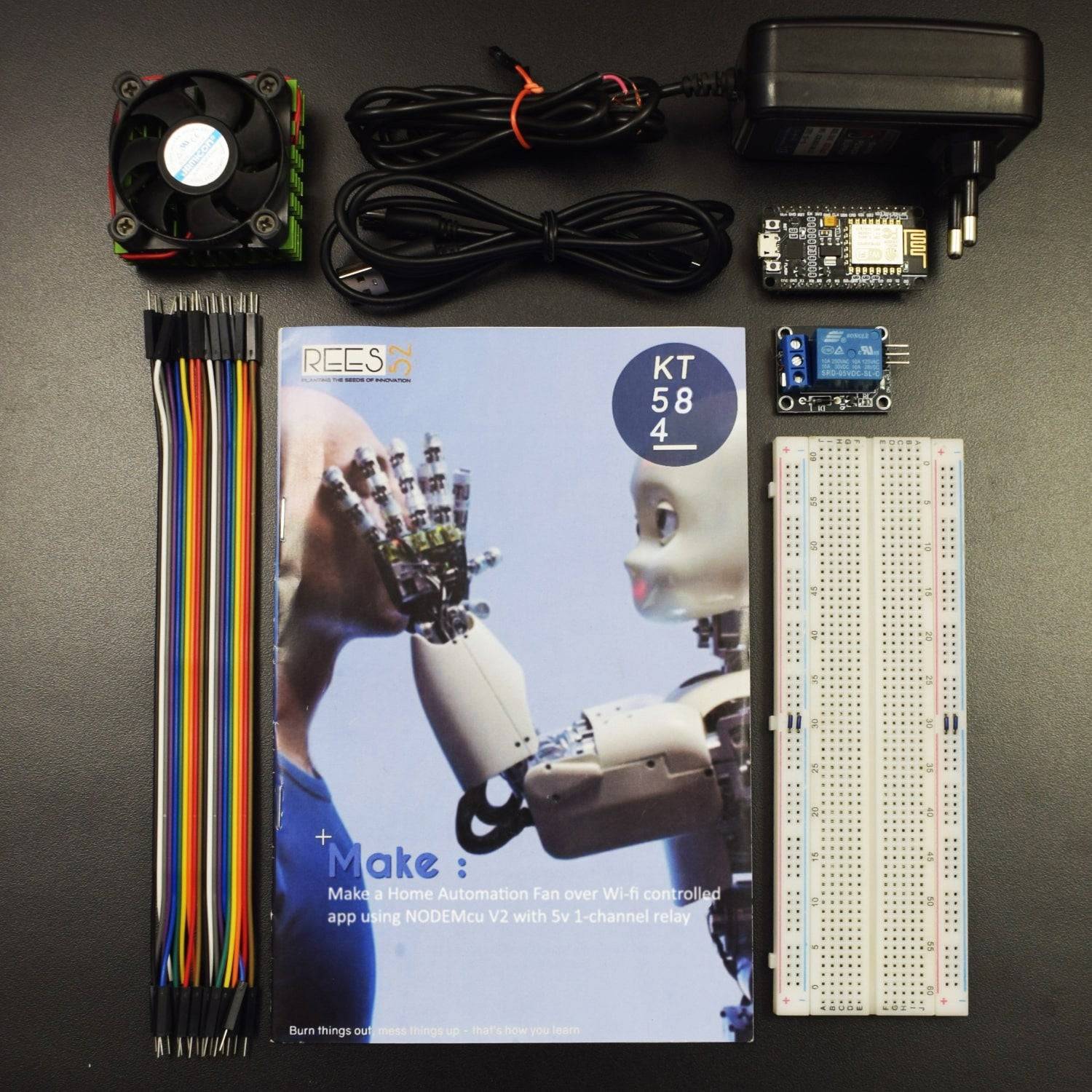
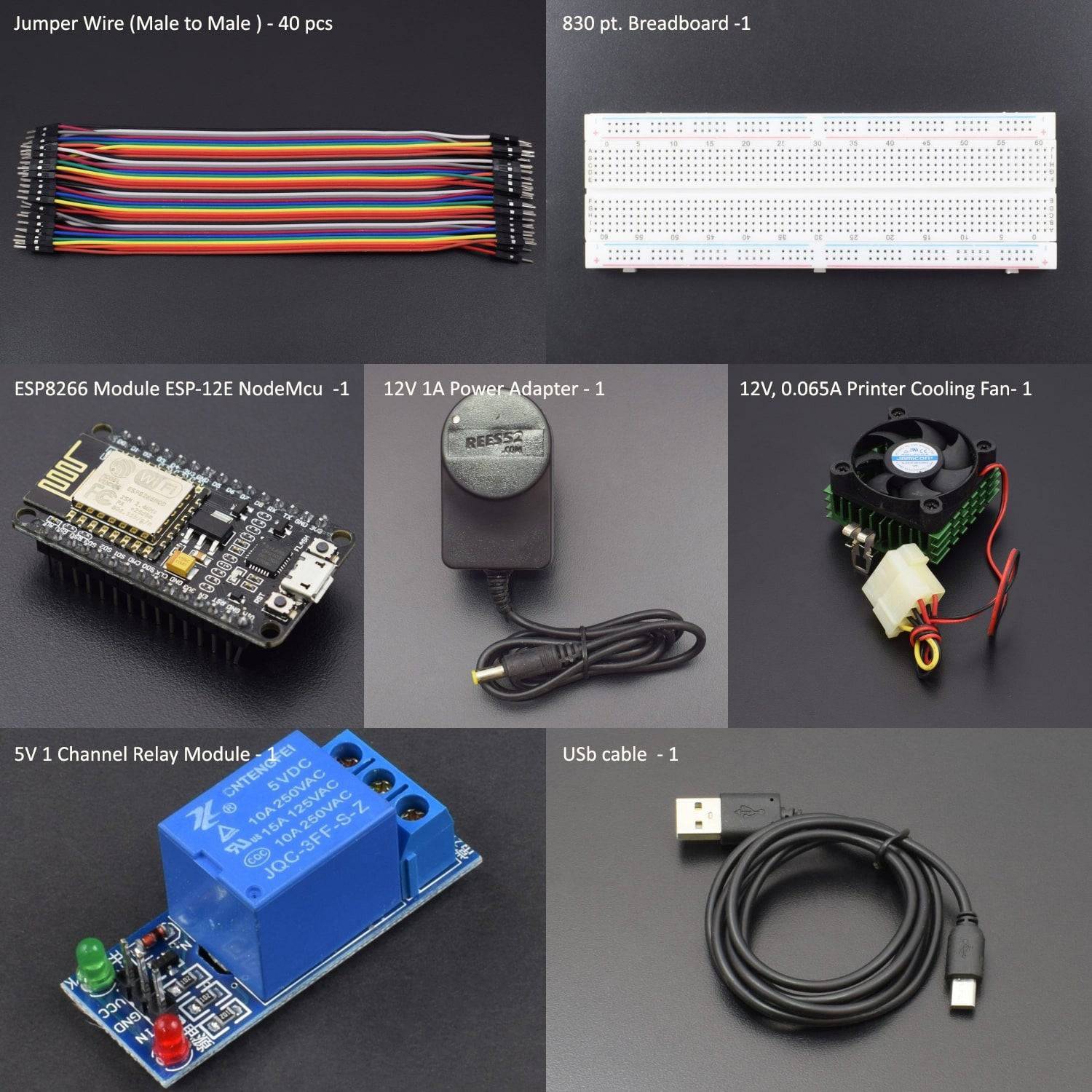
KIT INCLUDED :
- Node MCU version 2
- NodeMcu USB cable - 1
- 1channel 5V relay Module - 1
- 12V DC 0.065A fan – 1
- 12V 1A ac to dc adapter - 1
- Jumper Wires (male to male) – 40 pcs each
- 830 pt. breadboard - 1
Introduction
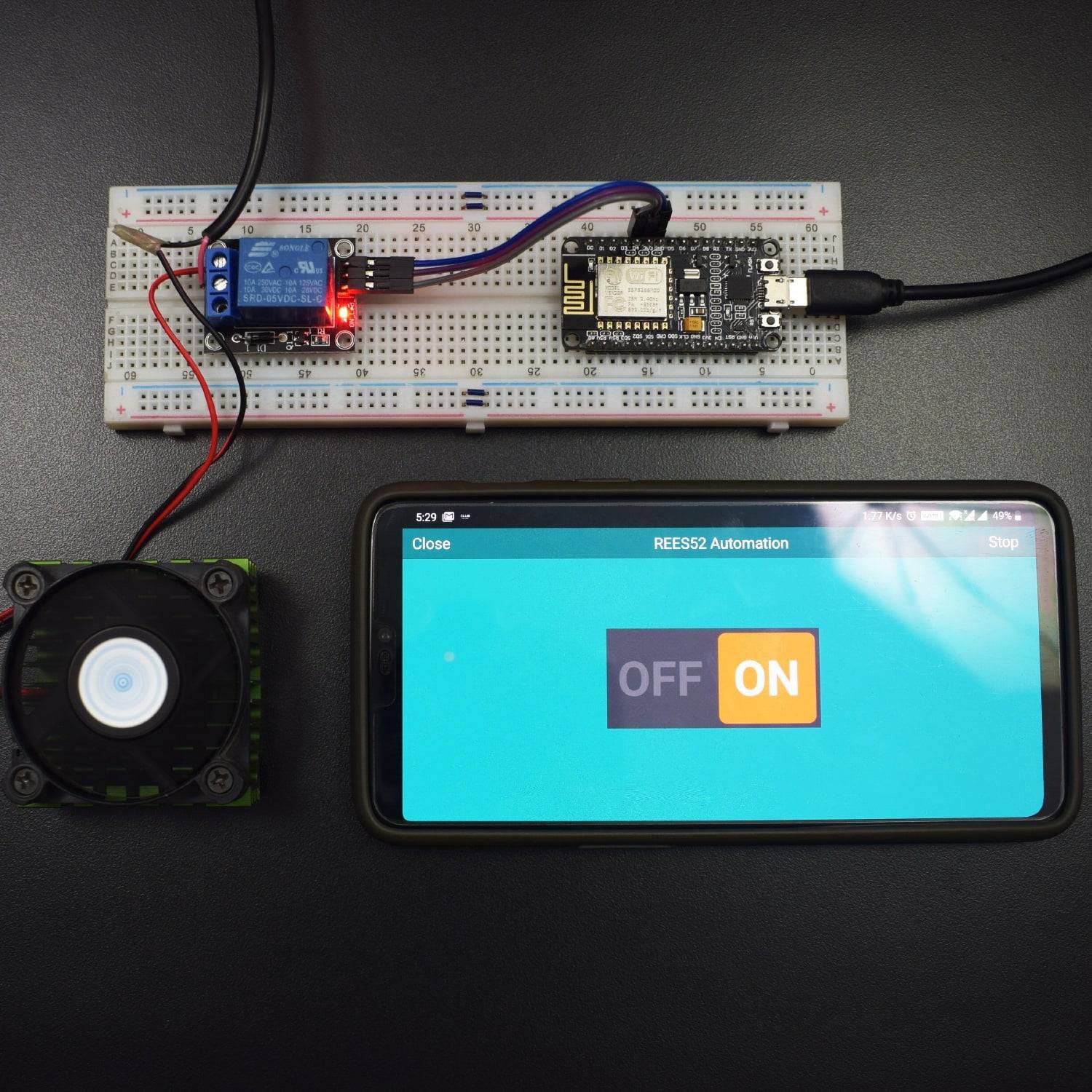
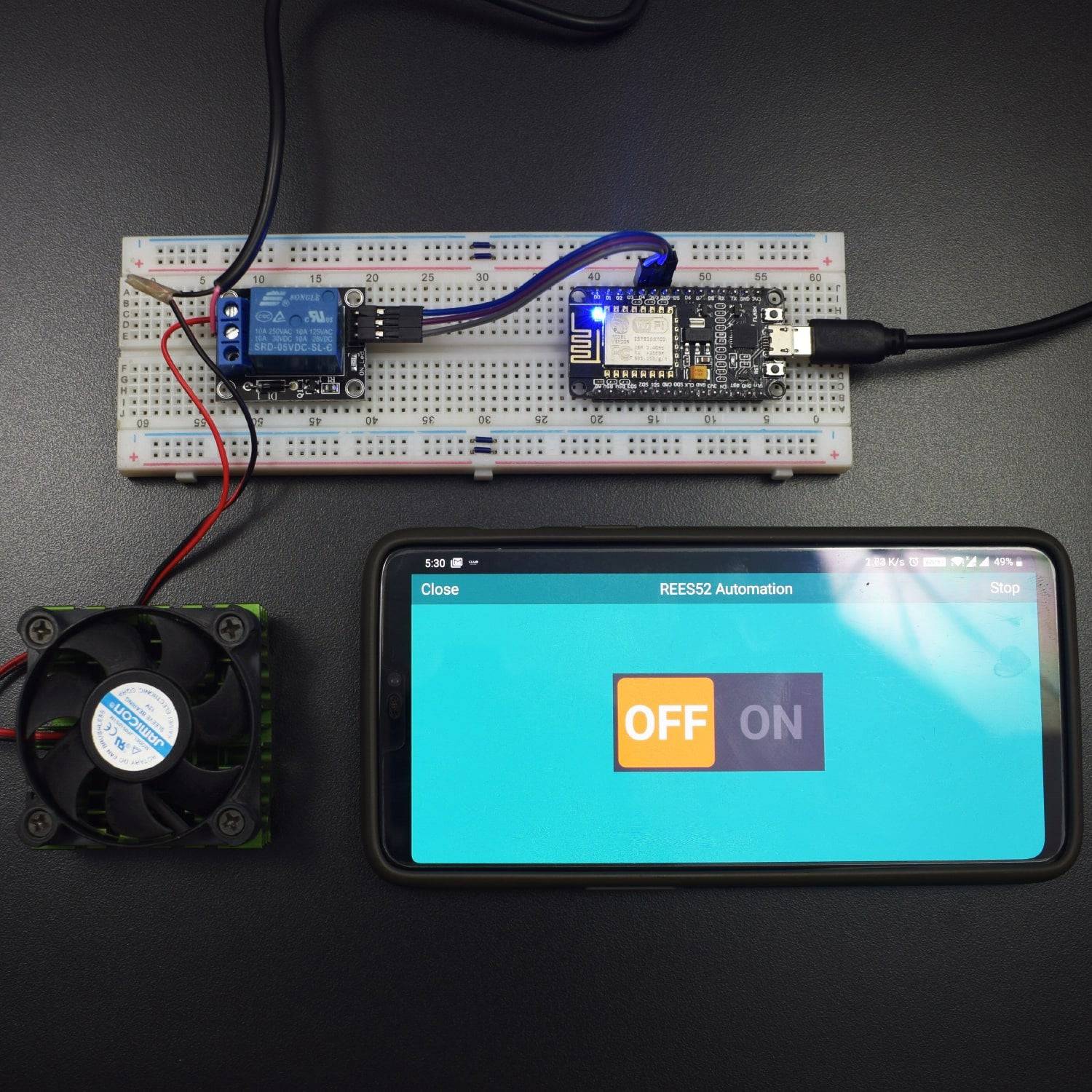
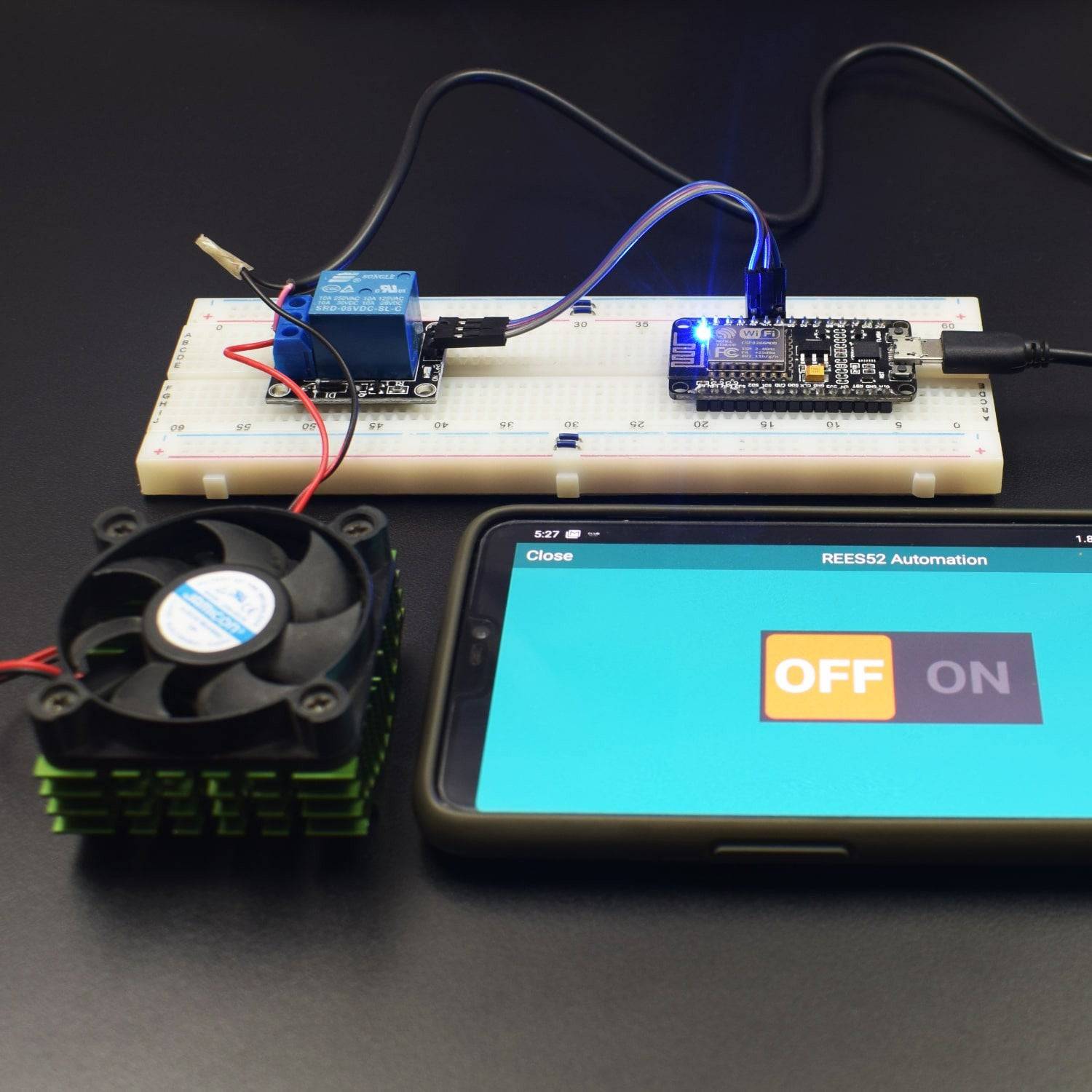
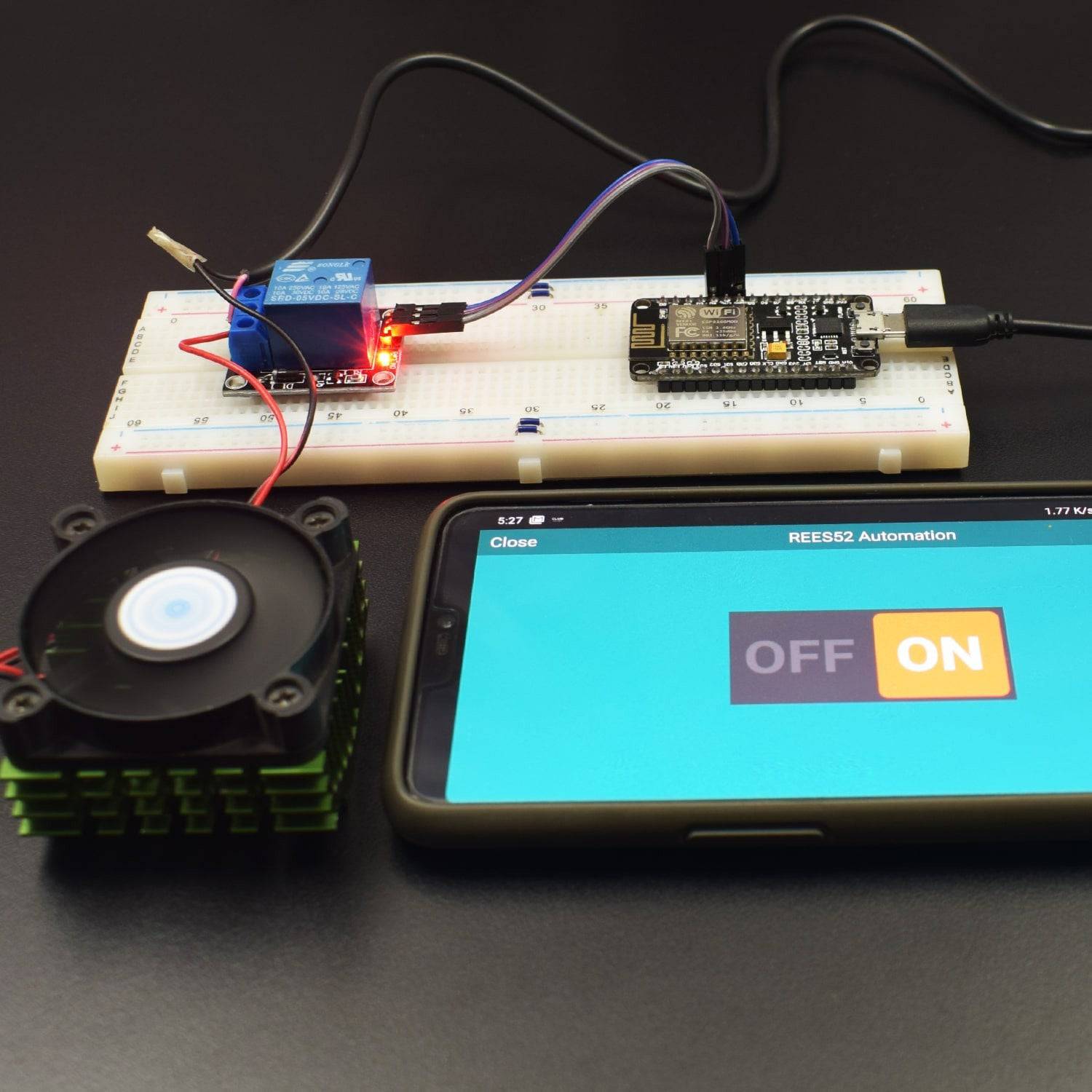
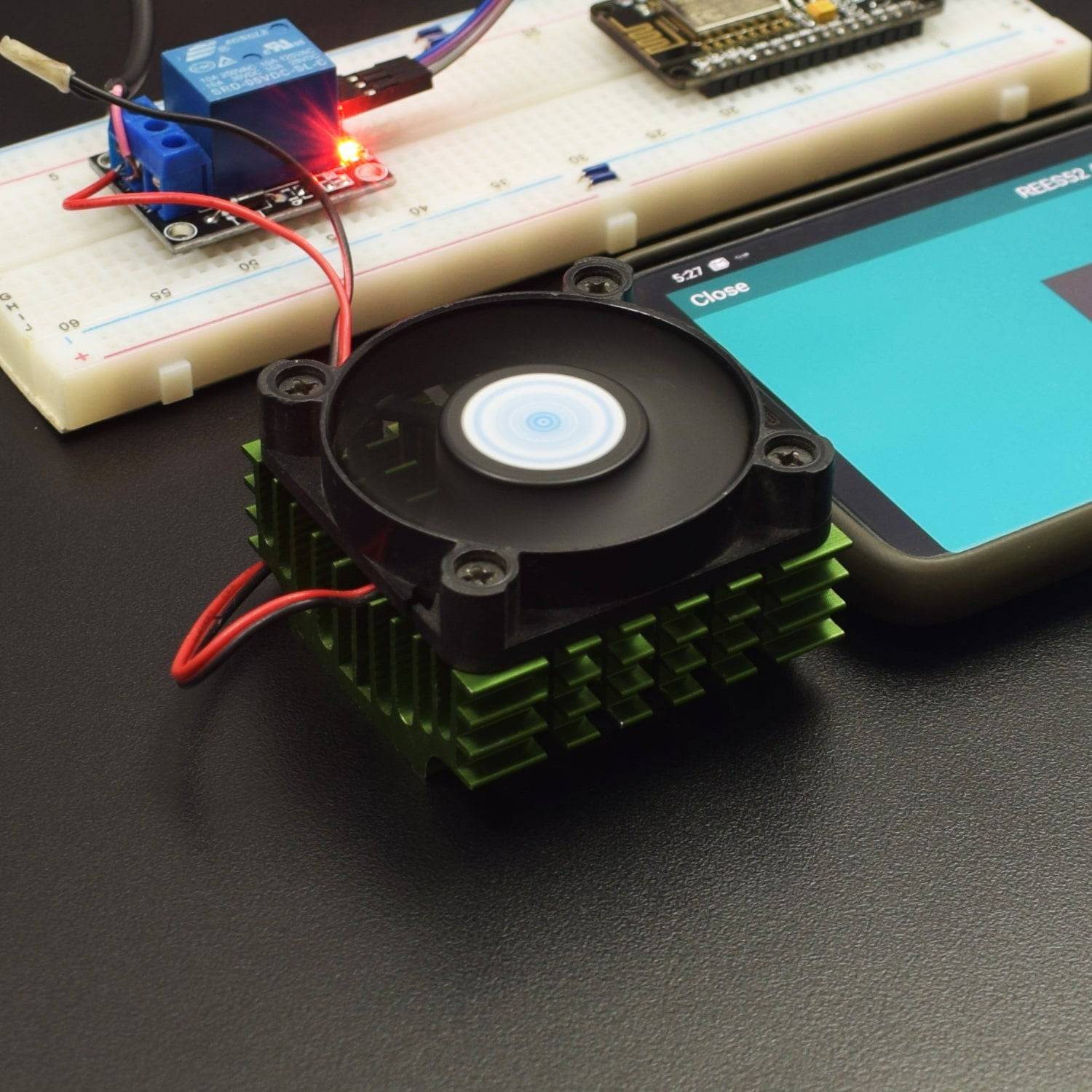
In this project, we have used node MCU to wirelessly operate a 12V fan over the remote XY app in an android smartphone.
HARDWARE REQUIRED
- Node MCU version 2
- NodeMcu USB cable - 1
- 1channel 5V relay Module - 1
- 12V DC 0.065A fan – 1
- 12V 1A ac to dc adapter - 1
- Jumper Wires (male to male) – 40 pcs each
- 830 pt. breadboard - 1
SOFTWARE REQUIRED
Arduino IDE 1.8.5 (programmable platform for Arduino)
Click To Download: https://www.arduino.cc/en/Main/Software

SPECIFICATIONS
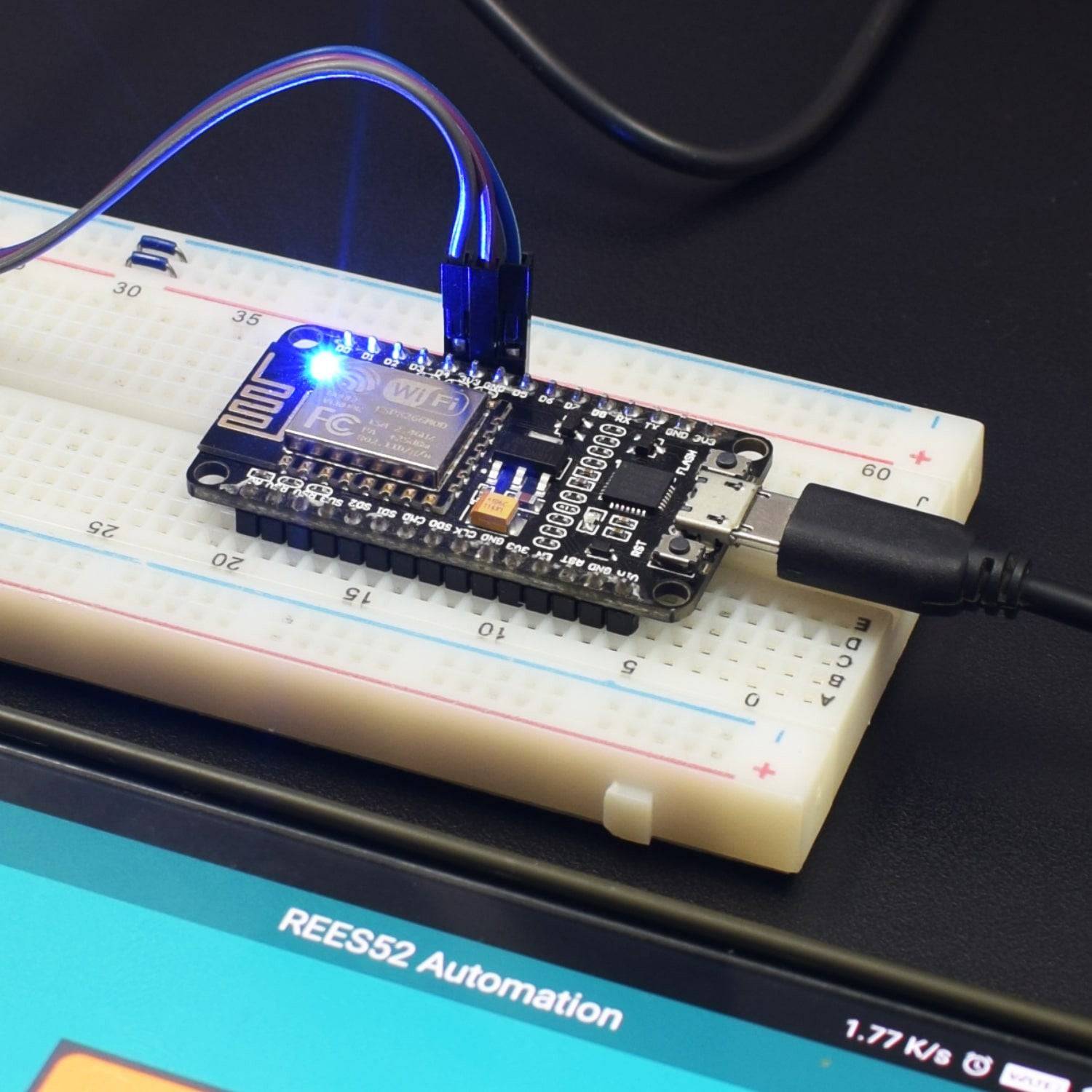
NodeMCU ESP8266 CP2102 NodeMCU WIFI Serial Wireless Module
- ESP8266 CP2102 NodeMCU LUA ESP-12E WIFI Serial Wireless Module
- Built-in Micro-USB, with flash and reset switches, easy to program
- Full I/O port and Wireless 802.11 supported, direct download no need to reset
- Arduino compatible works great with the latest Arduino IDE/Mongoose IoT/Micro python

5V Single Channel relay module

- Number of I/O Channels: 1
- Type: Digital
- Control signal: TTL level
- Max. Allowable Voltage: 250VAC/110VDC
- Max. Allowable Power Force: From C(800VAC/240W), From A(1200VA/300W)

LIBRARY REQUIRED
Before uploading the code, must install this library:
ESP8266WiFi.hhttps://github.com/ekstrand/ESP8266wifi
RemoteXY.hhttp://remotexy.com/en/library/
Install the app from the Google play store: https://play.google.com/store/apps/details?id=com.shevauto.remotexy.free&hl=en
Steps to use the RemoteXY app :
Step 1: Connect your smartphone to RemoteXY wifi access point with the password as: 12345678

Step 2: Click on
Step 3: Here is the ON/OFF interface.

CIRCUIT CONNECTION
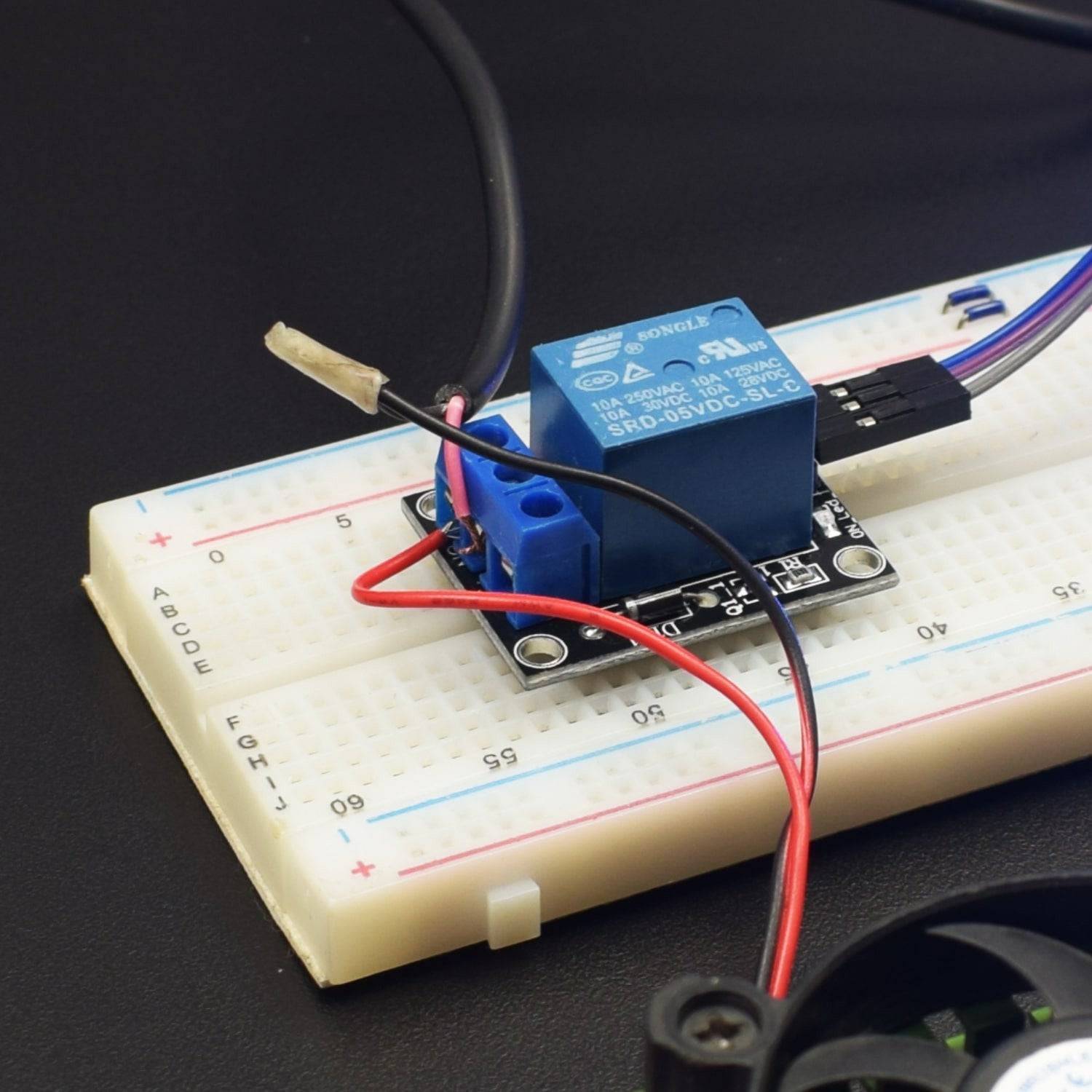
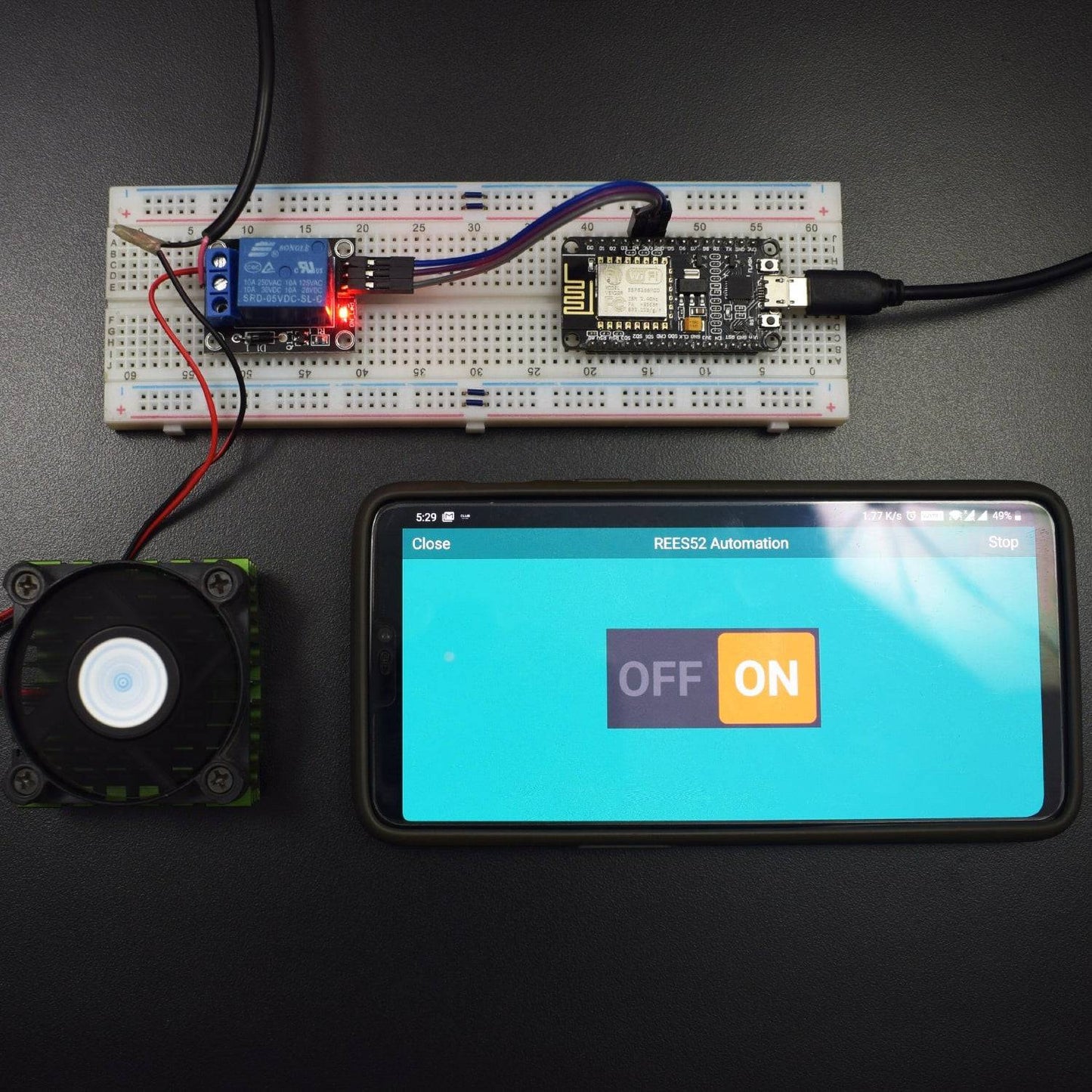
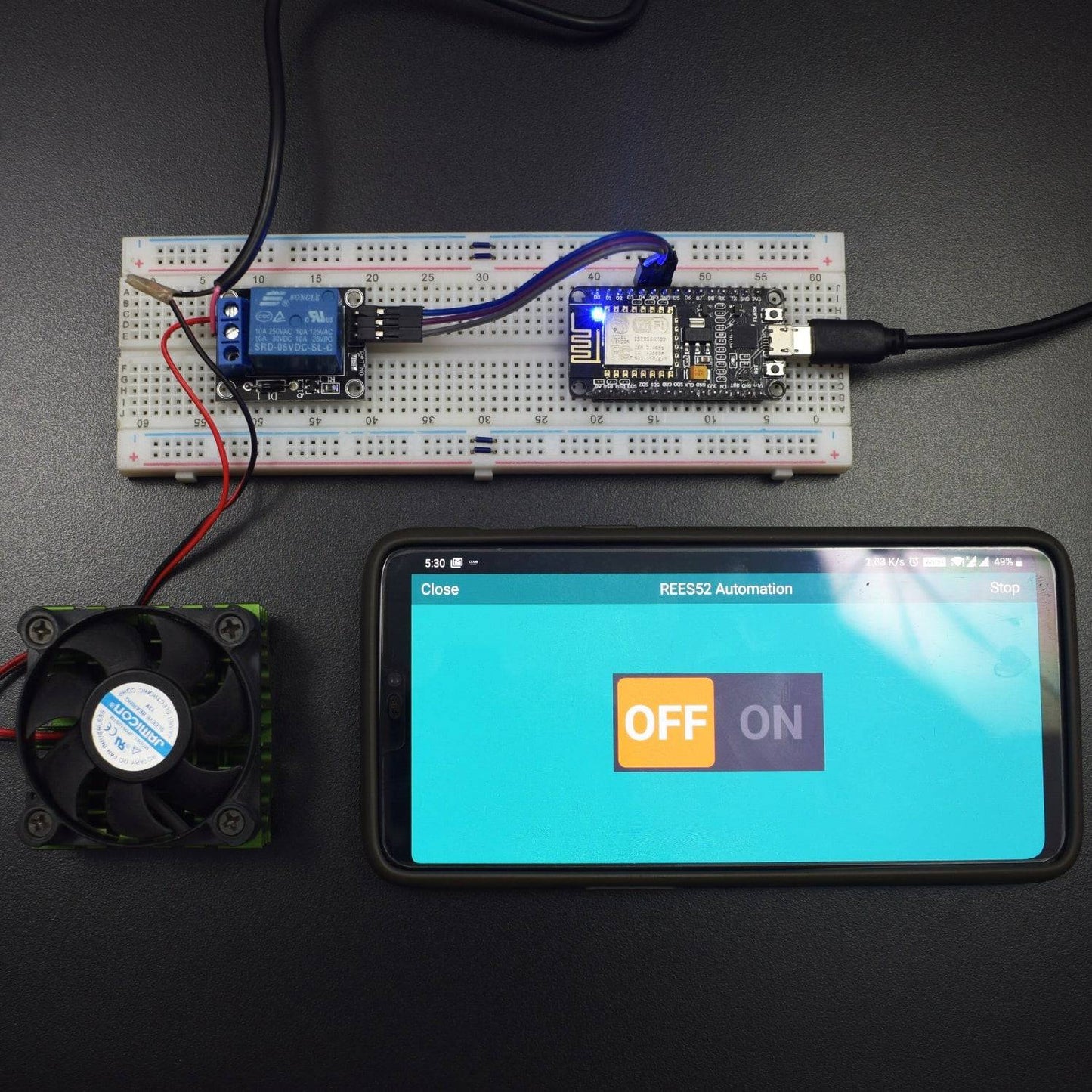
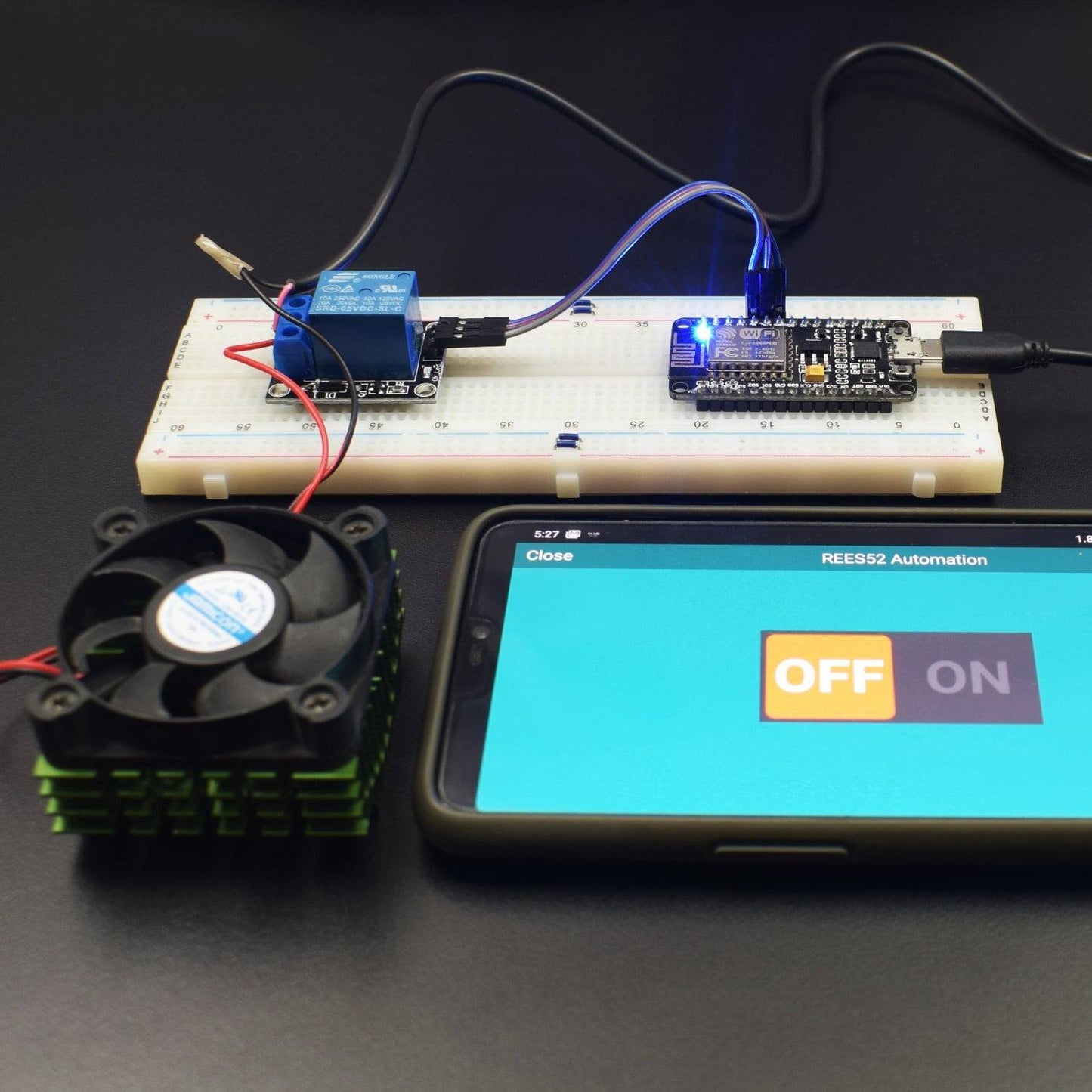
- Connect VCC pin of relay module to 3v3 pin of Node MCU.
- Connect GND pin of relay module to GND of Node MCU.
- Connect Signal input pin of relay module to pin D4 on Node MCU.
- Connect the positive wire of 12V adapter to COM port in relay module.
- Connect the positive wire of fan to NO port in relay module.
- Connect negative wire of adapter to negative wire of fan.

CODE
Click to see the code
https://drive.google.com/open?id=1uU1YO7PwYYpObvaeQs_EdWvQHeQfHd
WORKING AND OUTPUT
Welcome to the Node MCU Based project.
In this project, we use the RemoteXY app to access the Wifi SSID point created by Node MCU after connecting the smartphone to Node MCU’s wifi named as RemoteXY and password as 12345678.
In the app, the ON/OFF switch controls the motion of the fan directly.

Click to watch the tutorial
For more tutorials subscribe our channel REES52 on YouTube